Skip to content
  • IT Support & Services
    • Managed IT Support
    • Ad-hoc IT Support & Consultancy
    • Microsoft Access Database Development
    • Managed WiFi Networks
  • Cyber Security
    • About Cyber Security
    • Free Cyber Security Tools
    • Cyber Essentials Certification
    • Backup & Disaster Recovery
    • Bitdefender GravityZone Business Security
    • Cyber Security Awareness Training
    • Password Management
  • Microsoft 365
    • Microsoft 365 Support & Management in Kent
    • Microsoft 365 Business Premium
    • Microsoft 365 Backup
    • Microsoft 365 Email Security
    • Microsoft 365 Management
    • Email Signature Management
    • Email Encryption & E-Signatures
  • Contact / About
    • Contact Us
    • About Us
    • Book a phone or Teams call with us
    • Partnerships
    • Blog
    • Legal Information
  • Client Area
    • Remote Support
    • Microsoft 365 Guides
    • Password Management
    • Cyber Security Training
    • Email & Data Migrations
    • Legal Information

Call us on 01304 728287

Book a free IT chat
Magic IT ServicesMagic IT Services
  • IT Support & Services
    • Managed IT Support
    • Ad-hoc IT Support & Consultancy
    • Microsoft Access Database Development
    • Managed WiFi Networks
  • Cyber Security
    • About Cyber Security
    • Free Cyber Security Tools
    • Cyber Essentials Certification
    • Backup & Disaster Recovery
    • Bitdefender GravityZone Business Security
    • Cyber Security Awareness Training
    • Password Management
  • Microsoft 365
    • Microsoft 365 Support & Management in Kent
    • Microsoft 365 Business Premium
    • Microsoft 365 Backup
    • Microsoft 365 Email Security
    • Microsoft 365 Management
    • Email Signature Management
    • Email Encryption & E-Signatures
  • Contact / About
    • Contact Us
    • About Us
    • Book a phone or Teams call with us
    • Partnerships
    • Blog
    • Legal Information
  • Client Area
    • Remote Support
    • Microsoft 365 Guides
    • Password Management
    • Cyber Security Training
    • Email & Data Migrations
    • Legal Information

How to Minimize Ransomware Damage

Home CybersecurityHow to Minimize Ransomware Damage
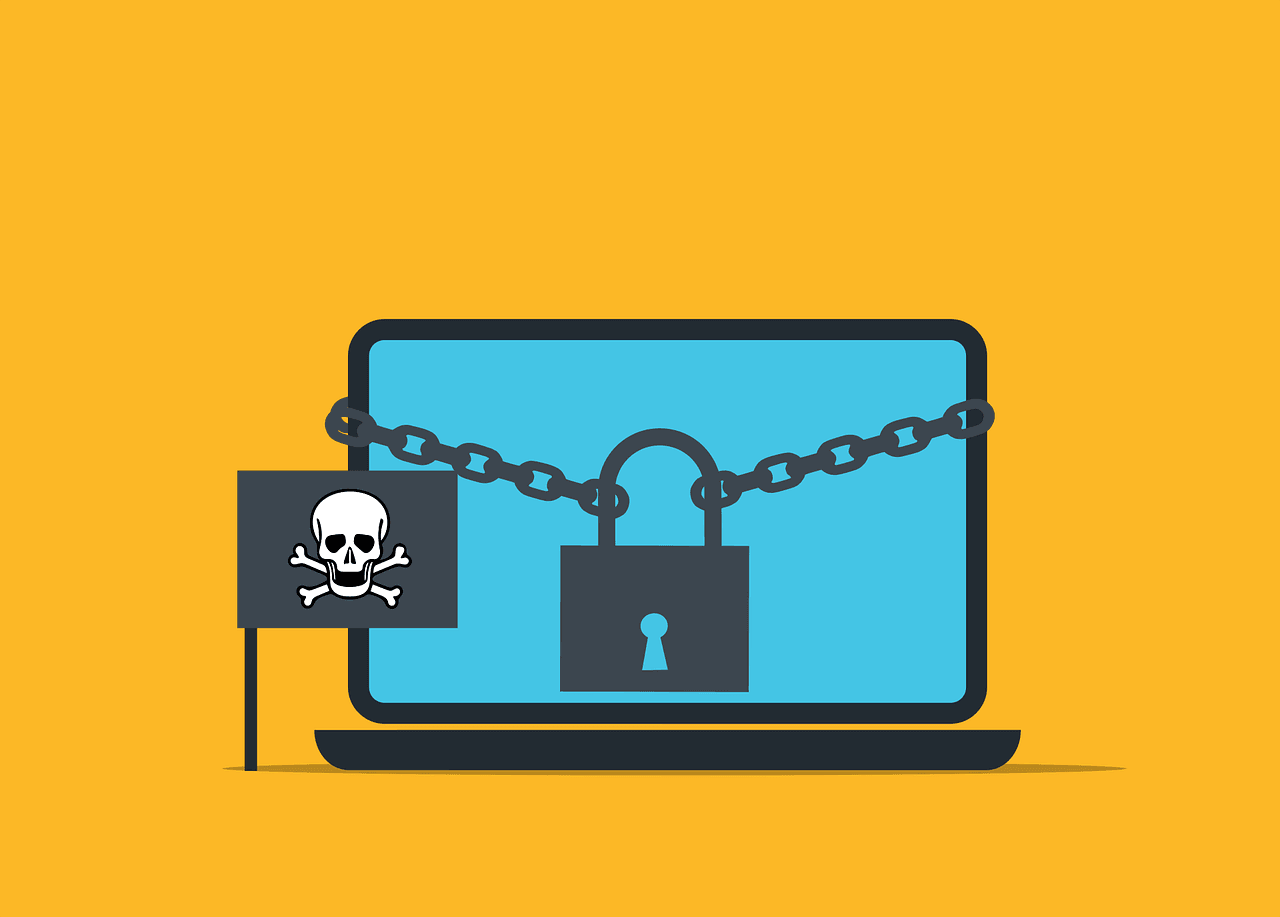
Free malware ransomware scam vector

How to Minimize Ransomware Damage

20th March 2025 Cybersecurity No comments

Ransomware has now become a big problem for many people and businesses. It can lock up your files and make you pay money to get them back. This article will show how one can protect themselves from ransomware and what to do in case of an attack.

What is ransomware?

Ransomware is a type of bad software. It penetrates your computer, locks up your files, and then they ask you to pay money to unlock your files. This can be very scary and costly.

How does ransomware work?

Ransomware usually comes in through email or bad websites. It can also spread through networks. Once it’s in, it starts to lock up your files with strong codes. Then you see a message asking for money.

How can you prevent ransomware attacks?

There are many ways to stop ransomware before it hurts you. Here are some key steps:

Keep your software up to date

Always keep your computer and programs up to date. Updates often fix problems that ransomware uses to get in.

Use good antivirus software

Get strong antivirus software. Keep it turned on and updated. It can detect many kinds of ransomware.

Be careful with emails

Don’t open emails from people you don’t know. Don’t click links or download files unless you are sure they’re safe.

Back up your files

Copy your most important files and store them on something other than your primary computer. That way, if ransomware locks your files, you’ll still have copies.

What do you do if you get ransomware?

So you think you have ransomware? Don’t panic. Here’s what to do:

Disconnect from the network

Immediately disconnect your computer from the internet. This may prevent the ransomware from spreading or worsening.

Don’t pay the ransom

Experts say you shouldn’t pay. There’s no guarantee you’ll get your files back. Plus, paying encourages more attacks.

Report the attack

Tell the police about the attack. Also, report it to your country’s cyber security center. They can help and use the info to stop future attacks.

Use your backups

If you have backups, then you can restore your files from them. That is what backups are for, after all.

How can businesses protect themselves?

Businesses will want to take a few additional steps to remain safe. Here are some suggestions:

Train your employees

Train your employees about ransomware. Give them examples of what to watch out for, and what to do in case they encounter something suspicious.

Use strong passwords

Ensure that everyone uses good passwords. Also, use different passwords for different accounts. This might make the ransomware spread more slowly.

Limit access to key files

Not everyone needs access to every file. Provide access only to those needed to perform the job. This may limit how far ransomware can spread.

Have a plan ready

Have a strategy in place, in case you become a target of ransomware. Exercise it. Preparation will make you swift and thereby contain the damages.

How is ransomware evolving?

Ransomware is getting newer tricks all the time. Watch out for these:

Attacks on phones and tablets

Not only computers but also your phones and tabs could be attacked by ransomware now. Be wary with all your devices.

Double extortion

Some ransomware now steals your data before it locks it. Then the bad guys threaten to share your private info if you don’t pay. This makes the attack even worse.

Attacks on cloud services

Many people are migrating to the cloud for storing data. Ransomware has started targeting those services too. Ensure your cloud accounts are secure. 

Stay Safe and Prepared

Ransomware is a serious threat, but you can protect yourself: keep your software updated, be careful online, and always have backups. If you run a business, train your team and have a solid plan. Stay alert and ready.

Do not try to face ransomware on your own. Contact us if you need any help with ransomware or have additional questions. 

—

Featured Image Credit

This Article has been Republished with Permission from The Technology Press.

No comments
0

You also might be interested in

MacBook Pro, white ceramic mug,and black smartphone on table

Handy Checklist for Handling Technology Safely During a Home or Office Move

Aug 15, 2023

Moving can be a chaotic and stressful time. Especially when[...]

Free malware ransomware scam vector

Watch Out for Ransomware Pretending to Be a Windows Update!

Nov 20, 2023

Imagine you’re working away on your PC and see a[...]

shallow-focus-photography-of-macbook

How to Use Conditional Access to Grant and Revoke Contractor Access in 60 Minutes

Jan 25, 2026

Managing contractor logins can be a real headache. You need[...]

Leave a reply Cancel reply

This site is protected by reCAPTCHA and the Google Privacy Policy and Terms of Service apply.

The reCAPTCHA verification period has expired. Please reload the page.

Latest Posts

How Hackers Keep Access to Your Email After You Change the Password

5th November 2026

Summary: Changing the password blocks someone from signing...

How Long Business Computers Last and When to Replace Them

30th October 2026

Summary: Three to five years is a practical replacement...

Small Business IT Budget: What to Include and How to Plan It

25th October 2026

Summary: Your IT budget should include the technology you...

Why Guest Wi-Fi Should Be Separate From Your Business Network

20th October 2026

Summary: Guest Wi-Fi should provide internet access while...

What Happens to Your Data When You Cancel a Cloud Service?

15th October 2026

Summary: Before canceling a cloud service, export your data...

IT Support in Kent
Managed IT Support, Managed Services, Microsoft 365, Cyber Security & Microsoft Access Development in Kent
  • Magic IT Services Ltd, 14 Hazling Dane, Shepherdswell, Dover, Kent CT15 7LS
  • 01304 728287 or 01843 586647
  • hello@magicitservices.co.uk

Magic IT Services Ltd is a company registered in England and Wales, No: 07014535.

Registered Office: 14 Hazling Dane, Shepherdswell, Dover, Kent CT15 7LS. VAT Reg No: GB 979 7435 46

© 2026 Magic IT Services Ltd.

  • Home
  • About Us
  • Privacy Policy
  • Terms of Use
  • Cookie Policy
  • Sitemap
  • Legal Information
Prev Next

Press Enter to search · Esc to close

imunify-bot-check