

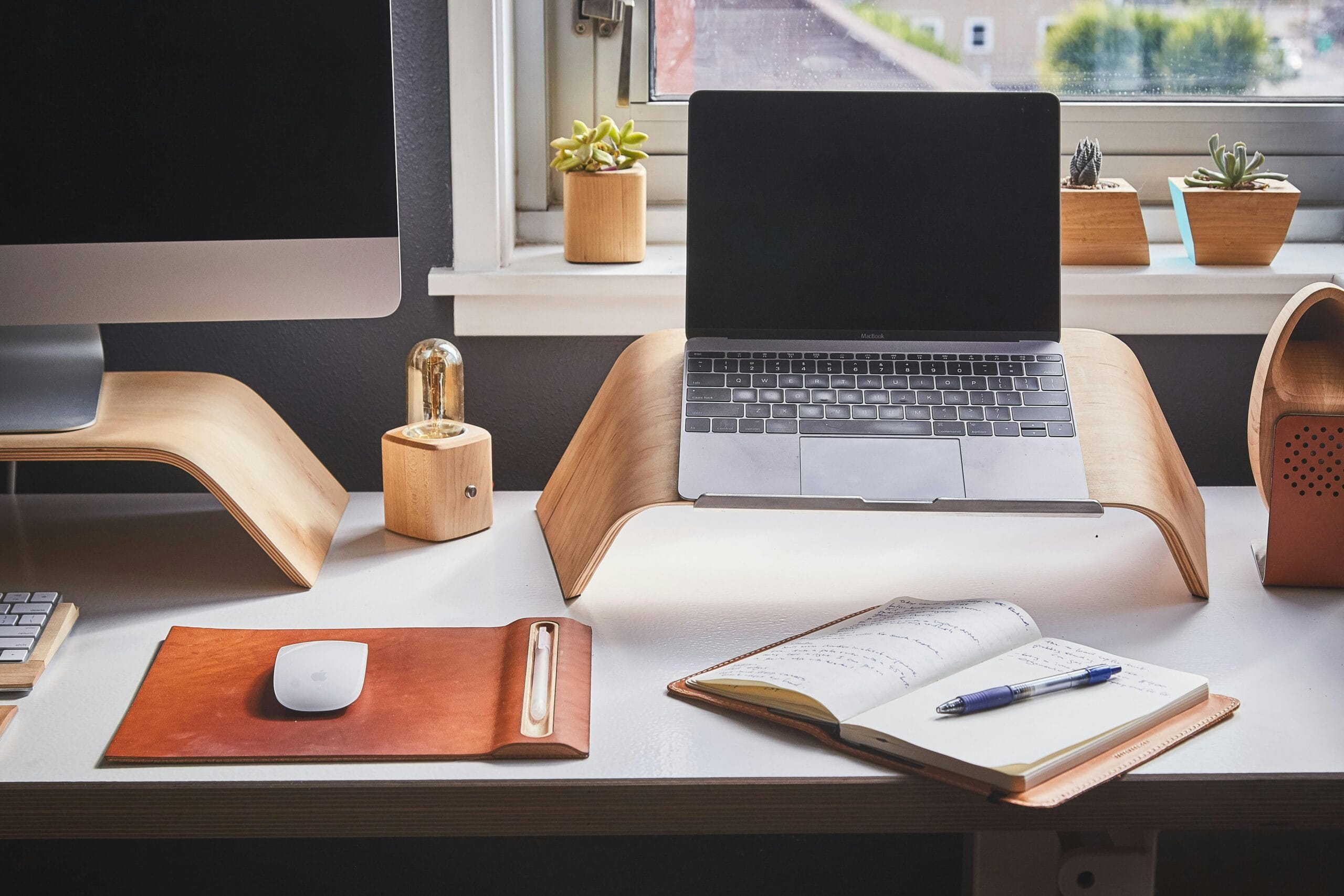
Our devices are a big part of our daily lives: work, fun, and staying in touch. Still, sometimes they make us less productive.
In this article, you will learn how to organize your device. You’ll learn ways to boost your productivity and get more done.
Why is device organization important?
Messy devices slow us down and make it tough to find what we need. An organized device makes for a faster, much more productive experience. It also reduces stress and preserves time.
How does clutter impact productivity?
Clutter on devices adversely influences productivity. It forces you to waste precious time searching through files. It could make computers run slower, too, building frustration and making less work being done.
What are the benefits of organized devices?
There are several benefits when using organized devices. They help us find things quickly, work efficiently, feel less stressed, and have more free time.
Now let’s look into 8 ways how to organize your device for better productivity.
1. How can you declutter your home screen?
Remove unused apps
Look at your home screen. Remove the applications you never use. This makes it easier to find the ones you need.
Group similar apps
Gather similar apps into folders. This keeps your home screen neat and clean. You can find applications much quicker this way.
Use a minimalist wallpaper
Use a simple wallpaper. This helps you focus on your apps and tasks.
2. How do you organize your files and folders?
Set up Logical Folders
Set up file types in folders. Label them appropriately. This would make access easier and faster.
Naming your files descriptively
Clearly label the name of the file. Attach dates or names of projects for easy location of files.
House clean now and then
Trash the old and irrelevant files. Get some space cleared out to reduce clutter.
3. How could you organize your email?
Create Folders and Labels
Create folders for emails of different kinds. Label them and categorize them accordingly. This helps to keep your inbox organized.
Unsubscribe to Unwanted Emails
Remove your name from email lists you never read. This cleans up your inbox.
Use the Two-Minute Rule
If an email can be handled within two minutes, then handle it immediately. This helps you avoid the piling up of small tasks.
4. How Can You Optimize Your Browser?
Organize Bookmarks
Sort your bookmarks into folders. Delete ones you don’t use. This makes finding websites easier.
Use browser extensions wisely
Only keep extensions you use often. Too many can slow down your browser.
Clear your cache regularly
This helps your browser run faster. It also frees up space on your device.
5. What are good ways to manage passwords?
Use a password manager
This tool securely vaults all your passwords. You only have to remember one master password.
Generate strong, unique passwords
Use a different password for every account. Make them long and complicated. This will keep your accounts secure.
Enable two-factor authentication
This adds an extra layer of protection to your accounts. It makes them harder to break into.
6. How can you streamline your notifications?
Turn off unnecessary notifications
Only retain notifications from important apps. This decreases distractions.
Set specific times to check notifications
Don’t view notifications throughout the day. Decide on certain times of the day to view notifications. In this way, you will be able to concentrate on your work.
Use ‘Do Not Disturb’ mode
Switch this on when you really need to focus on something. This blocks all your notifications for a certain period.
7. What is the best type of data backup?
Utilize cloud storage
Store important files in the cloud. This keeps them safe and easy to access.
Set up automatic backups
Make your device backup files on a regular basis. This ensures you don’t lose important data.
Keep multiple copies of important files
Store critical files in more than one location. This protects against data loss.
8. How can you maintain your device’s health?
Update software regularly
Keep your applications and operating system updated. This will enhance the performance and security.
Run virus scans regularly
Run virus scans using antivirus software to check for threats. This will keep your device safe from any kind of threat.
Clean your device physically
Dust and dirt can slow down your device. Cleaning it regularly will help in keeping it in good shape.
It takes some time and effort to organize your devices, but it is really worth the investment. You’ll be more productive and less stressed. Try at least one from this list and then, once you get comfortable, try some more.
Remember, everybody has different needs, so do what will work best for you. If you need help organizing your devices, feel free to reach out to us. Contact us now for personalized advice on boosting productivity.
—
This Article has been Republished with Permission from The Technology Press.








Leave a reply