Skip to content
  • IT Support & Services
    • Managed IT Support
    • Ad-hoc IT Support & Consultancy
    • Microsoft Access Database Development
    • Managed WiFi Networks
  • Cyber Security
    • About Cyber Security
    • Free Cyber Security Tools
    • Cyber Essentials Certification
    • Backup & Disaster Recovery
    • Bitdefender GravityZone Business Security
    • Cyber Security Awareness Training
    • Password Management
  • Microsoft 365
    • Microsoft 365 Support & Management in Kent
    • Microsoft 365 Business Premium
    • Microsoft 365 Backup
    • Microsoft 365 Email Security
    • Microsoft 365 Management
    • Email Signature Management
    • Email Encryption & E-Signatures
  • Contact / About
    • Contact Us
    • About Us
    • Book a phone or Teams call with us
    • Partnerships
    • Blog
    • Legal Information
  • Client Area
    • Remote Support
    • Microsoft 365 Guides
    • Password Management
    • Cyber Security Training
    • Email & Data Migrations
    • Legal Information

Call us on 01304 728287

Book a free IT chat
Magic IT ServicesMagic IT Services
  • IT Support & Services
    • Managed IT Support
    • Ad-hoc IT Support & Consultancy
    • Microsoft Access Database Development
    • Managed WiFi Networks
  • Cyber Security
    • About Cyber Security
    • Free Cyber Security Tools
    • Cyber Essentials Certification
    • Backup & Disaster Recovery
    • Bitdefender GravityZone Business Security
    • Cyber Security Awareness Training
    • Password Management
  • Microsoft 365
    • Microsoft 365 Support & Management in Kent
    • Microsoft 365 Business Premium
    • Microsoft 365 Backup
    • Microsoft 365 Email Security
    • Microsoft 365 Management
    • Email Signature Management
    • Email Encryption & E-Signatures
  • Contact / About
    • Contact Us
    • About Us
    • Book a phone or Teams call with us
    • Partnerships
    • Blog
    • Legal Information
  • Client Area
    • Remote Support
    • Microsoft 365 Guides
    • Password Management
    • Cyber Security Training
    • Email & Data Migrations
    • Legal Information

10 Steps to Prevent a Data Breach

Home Cybersecurity10 Steps to Prevent a Data Breach
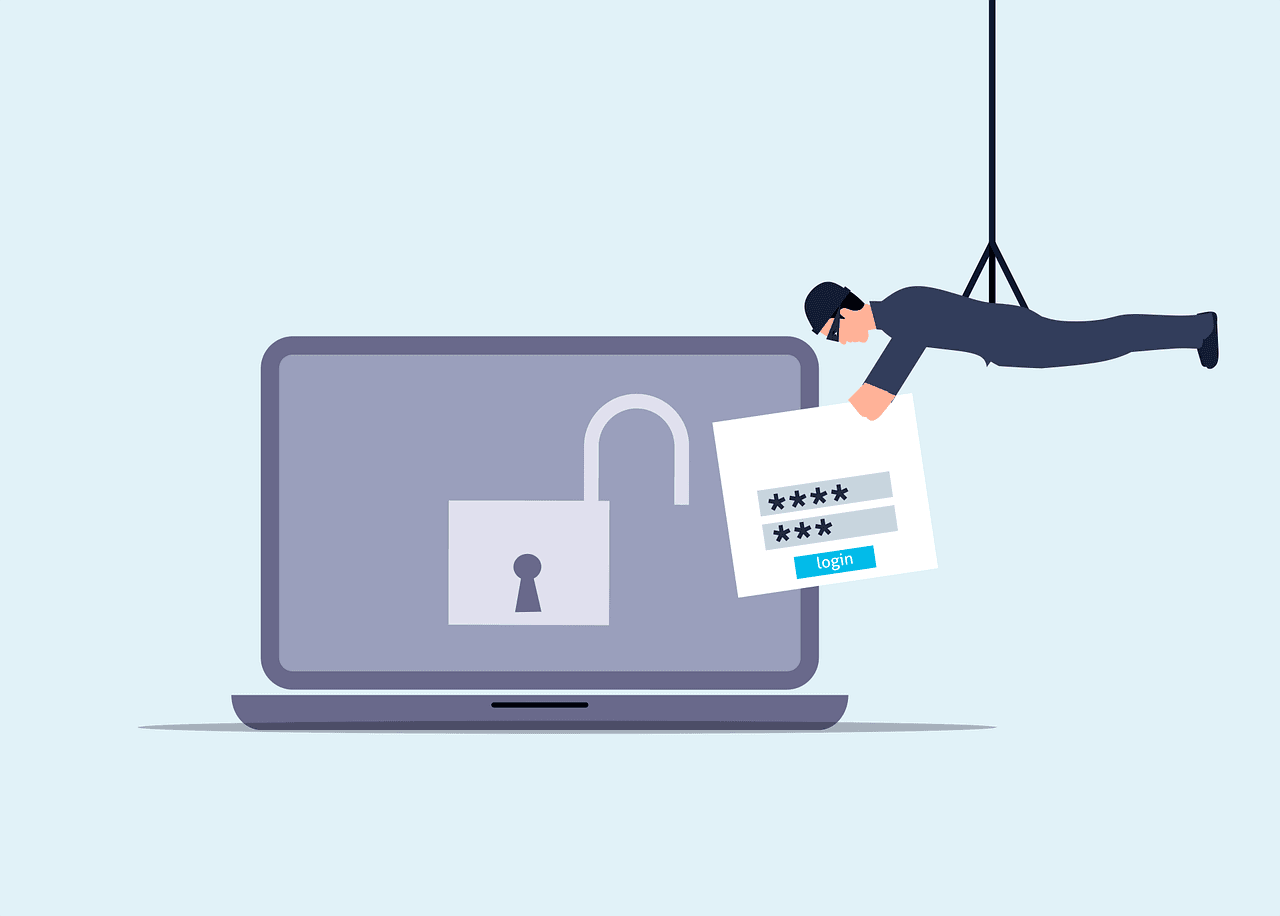
Free attack unsecured laptop vector

10 Steps to Prevent a Data Breach

15th March 2025 Cybersecurity No comments

Data breaches can harm your business. They can cost you money and trust. Let’s look at how to stop them from happening.

What is a data breach?

A data breach is when someone steals information. This can be names, emails, or credit card numbers. It’s bad for your customers and your business.

Why should you care about data breaches?

Data breaches are terrible things. They will cost you money. Perhaps your customers will stop trusting you. You may even be fined. It is vital to try to prevent them from occurring in the first place.

How do you prevent a data breach?

Here are 10 steps to help keep your data safe:

1. Use strong passwords

Use long, complex passwords that are hard to guess. Include letters, numbers, and symbols. Do not use the same password for all of your accounts.

2. Update your software

Always update your computer programs. Updates usually patch security holes. Have your computer set to update automatically.

3. Train your employees

Educate your employees on data security. Teach them how to identify fake emails. Inform them to not click on suspicious links.

4. Use encryption

Encryption scrambles your data. Only people who have a special key can read it. Use encryption on important information.

5. Limit access to data

Not everyone needs to know everything. Only give people access to what they need for their work.

6. Create backups of your data

Create copies of your important information. Keep these copies in a safe location. This helps in case anyone steals or destroys your data.

7. Use a firewall

A firewall acts like a guard for your computer. It blocks the bad things from getting inside. Always turn the firewall on.

8. Be careful with emails

Almost every data breach starts with a trick email. Don’t open emails from people you don’t know. Never click on links unless you are sure that they are safe.

9. Protect your Wi-Fi

Use a strong password on your Wi-Fi. Do not leave the default password on. Update your Wi-Fi password frequently.

10. Have a plan

Prepare a plan if, in case of a data breach. Know whom to contact and what you should do. Do a practice drill so you are ready if there is an intrusion.

Even with good plans, data breaches can still happen. If one does, take action quickly. Inform your customers about the breach ASAP. 

Fix the problem that led to the breach. Then, use what you learned from that mistake to make your security better.

At what frequency is security checked?

Keep checking your security. Look over it at least once a month. There are new dangers all the time. Keep informed about the most up-to-date ways of keeping the data safe.

Can small businesses be targets for data breaches?

Yes, small businesses can be targets too. Actually, most hackers target small businesses. They perceive their security level to be low. Whatever the size, make sure your business is prepared.

What are some tools that can prevent data breaches?

There are lots of tools to help keep data safe. Antivirus software stops bad programs. Password managers help you use strong passwords. VPNs keep your internet use private. Employ these tools to make your data much safer.

How much does it cost to prevent a data breach?

The cost may be high to prevent data breaches. But it costs less than fixing a breach after it has happened. Consider this as insurance for your data; thus, the cost is well worth keeping your business safe.

Stay Safe and Secure

Data safety is very important; it keeps your business and customers safe. Take these steps to prevent data breaches. Always be on guard against new threats. If you need help, ask an expert. They can make sure your data stays safe. 

Don’t wait until it’s too late. Start protecting your data today.

—

Featured Image Credit

This Article has been Republished with Permission from The Technology Press.

No comments
0

You also might be interested in

Free cyber security technology network illustration

A Small Business Roadmap for Implementing Zero-Trust Architecture

Apr 10, 2026

Most small businesses aren’t breached because they have no security[...]

Free attack unsecured laptop vector

The “Session Cookie” Hijack: Why MFA Can’t Always Save You

May 30, 2026

MFA is a strong front-door lock. But it’s not the[...]

Download free HD stock image of Update Upgrade

Should Your Business Upgrade to the New Microsoft Intune Suite?

Oct 25, 2023

Endpoint management has changed a lot over the last two[...]

Leave a reply Cancel reply

This site is protected by reCAPTCHA and the Google Privacy Policy and Terms of Service apply.

The reCAPTCHA verification period has expired. Please reload the page.

Latest Posts

How Hackers Keep Access to Your Email After You Change the Password

5th November 2026

Summary: Changing the password blocks someone from signing...

How Long Business Computers Last and When to Replace Them

30th October 2026

Summary: Three to five years is a practical replacement...

Small Business IT Budget: What to Include and How to Plan It

25th October 2026

Summary: Your IT budget should include the technology you...

Why Guest Wi-Fi Should Be Separate From Your Business Network

20th October 2026

Summary: Guest Wi-Fi should provide internet access while...

What Happens to Your Data When You Cancel a Cloud Service?

15th October 2026

Summary: Before canceling a cloud service, export your data...

IT Support in Kent
Managed IT Support, Managed Services, Microsoft 365, Cyber Security & Microsoft Access Development in Kent
  • Magic IT Services Ltd, 14 Hazling Dane, Shepherdswell, Dover, Kent CT15 7LS
  • 01304 728287 or 01843 586647
  • hello@magicitservices.co.uk

Magic IT Services Ltd is a company registered in England and Wales, No: 07014535.

Registered Office: 14 Hazling Dane, Shepherdswell, Dover, Kent CT15 7LS. VAT Reg No: GB 979 7435 46

© 2026 Magic IT Services Ltd.

  • Home
  • About Us
  • Privacy Policy
  • Terms of Use
  • Cookie Policy
  • Sitemap
  • Legal Information
Prev Next

Press Enter to search · Esc to close

imunify-bot-check