

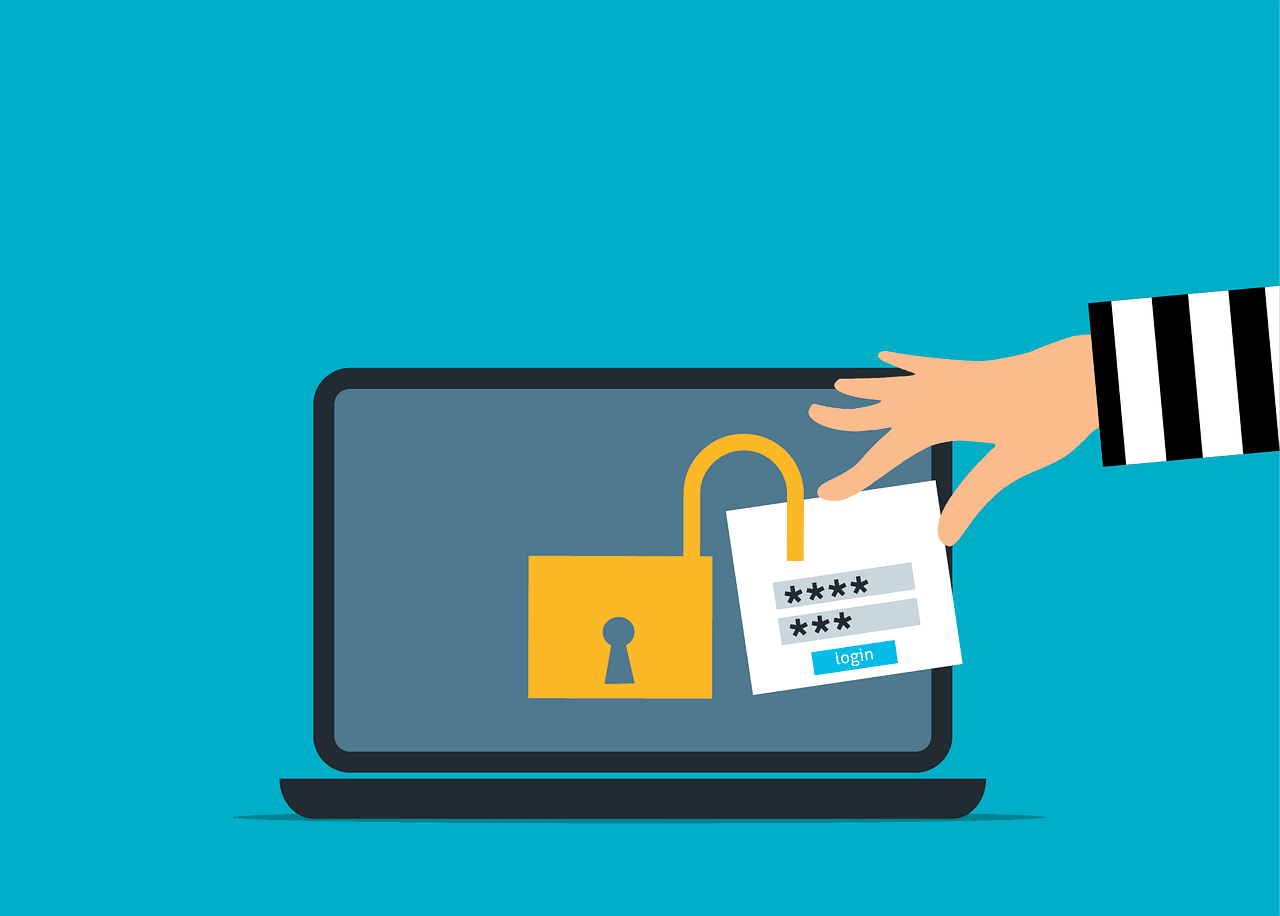
For years, enabling Multi-Factor Authentication (MFA) has been a cornerstone of account and device security. While MFA remains essential, the threat landscape has evolved, making some older methods less effective.
The most common form of MFA, four- or six-digit codes sent via SMS, is convenient and familiar, and it’s certainly better than relying on passwords alone. However, SMS is an outdated technology, and cybercriminals have developed reliable ways to bypass it. For organizations handling sensitive data, SMS-based MFA is no longer sufficient. It’s time to adopt the next generation of phishing-resistant MFA to stay ahead of today’s attackers.
SMS was never intended to serve as a secure authentication channel. Its reliance on cellular networks exposes it to security flaws, particularly in telecommunication protocols such as Signaling System No. 7 (SS7), used for communication between networks.
Attackers know that many businesses still use SMS for MFA, which makes them appealing targets. For instance, hackers can exploit SS7 vulnerabilities to intercept text messages without touching your phone. Techniques such as eavesdropping, message redirection, and message injection can be carried out within the carrier network or during over-the-air transmission.
SMS codes are also vulnerable to phishing. If a user enters their username, password, and SMS code on a fake login page, attackers can capture all three in real time and immediately gain access the legitimate account.
Understanding SIM Swapping Attacks
One of the most dangerous threats to SMS-based security is the SIM swap. In SIM swapping attacks, a criminal contacts your mobile carrier pretending to be you and claims to have lost their phone. They then request the support staff to port your number to a new blank SIM card in their possession.
If they succeed, your phone goes offline, allowing them to receive all calls and SMS messages, including MFA codes for banking and email. Without knowing your password, they can quickly reset credentials and gain full access to your accounts.
This attack doesn’t depend on advanced hacking skills; instead, it exploits social engineering tactics against mobile carrier support staff, making it a low-tech method with high‑impact consequences.
Why Phishing-Resistant MFA Is the New Gold Standard
To prevent these attacks, it’s essential to remove the human element from authentication by using phishing-resistant MFA. This approach relies on secure cryptographic protocols that tie login attempts to specific domains.
One of the more prominent standards used for such authentication is Fast Identity Online 2 (FIDO2) open standard, that uses passkeys created using public key cryptography linking a specific device to a domain. Even if a user is tricked into clicking a phishing link, their authenticator application will not release the credentials because the domain does not match the specific record.
The technology is also passwordless, which removes the threat of phishing attacks that capture credentials and one-time passwords (OTPs). Hackers are forced to target the endpoint device itself, which is far more difficult than deceiving users.
Implementing Hardware Security Keys
Perhaps one of the strongest phishing-resistant authentication solutions involves hardware security keys. Hardware security keys are physical devices resembling a USB drive, which can be plugged into a computer or tapped against a mobile device.
To log in, you simply insert the key into the computer or touch a button, and the key performs a cryptographic handshake with the service. This method is quite secure since there are no codes to type, and attackers can’t steal your key over the internet. Unless they physically steal the key from you, they cannot access your account.
Mobile Authentication Apps and Push Notifications
If physical keys are not feasible for your business, mobile authenticator apps such as Microsoft or Google Authenticator are a step up from SMS MFA. These apps generate codes locally on the device, eliminating the risk of SIM swapping or SMS interception since the codes are not sent over a cellular network.
Simple push notifications also carry risks. For example, attackers may flood a user’s phone with repeated login approval requests, causing “MFA fatigue,” where a frustrated or confused user taps “approve” just to stop the notifications. Modern authenticator apps address this with “number matching,” requiring the user to enter a number shown on their login screen into the app. This ensures the person approving the login is physically present at their computer.
Passkeys: The Future of Authentication
With passwords being routinely compromised, modern systems are embracing passkeys, which are digital credentials stored on a device and protected by biometrics such as fingerprint or Face ID. Passkeys are phishing-resistant and can be synchronized across your ecosystem, such as iCloud Keychain or Google Password Manager. They offer the security of a hardware key with the convenience of a device that you already carry.
Passkeys reduce the workload for IT support, as there are no passwords to store, reset, or manage. They simplify the user experience while strengthening security.
Balancing Security With User Experience
Moving away from SMS-based MFA requires a cultural shift. Since users are already used to the universality and convenience of text messages, the introduction of physical keys and authenticator apps can trigger resistance.
It’s important to explain the reasoning behind the change, highlighting the realities of SIM-swapping attacks and the value of the protected information. When users understand the risks, they are more likely to embrace the new measures.
While a phased rollout can help ease the transition for the general user base, phishing-resistant MFA should be mandatory for privileged accounts. Administrators and executives must not rely on SMS-based MFA.
The Costs of Inaction
Sticking with legacy MFA techniques is a ticking time bomb that gives a false sense of security. While it may satisfy compliance requirements, it leaves systems vulnerable to attacks and breaches, which can be both costly and embarrassing.
Upgrading your authentication methods offers one of the highest returns on investment in cybersecurity. The cost of hardware keys or management software is minimal compared to the expense of incident response and data recovery.
Is your business ready to move beyond passwords and text codes? We specialize in deploying modern identity solutions that keep your data safe without frustrating your team. Reach out, and we’ll help you implement a secure and user-friendly authentication strategy.
—
This Article has been Republished with Permission from The Technology Press.







Leave a reply