

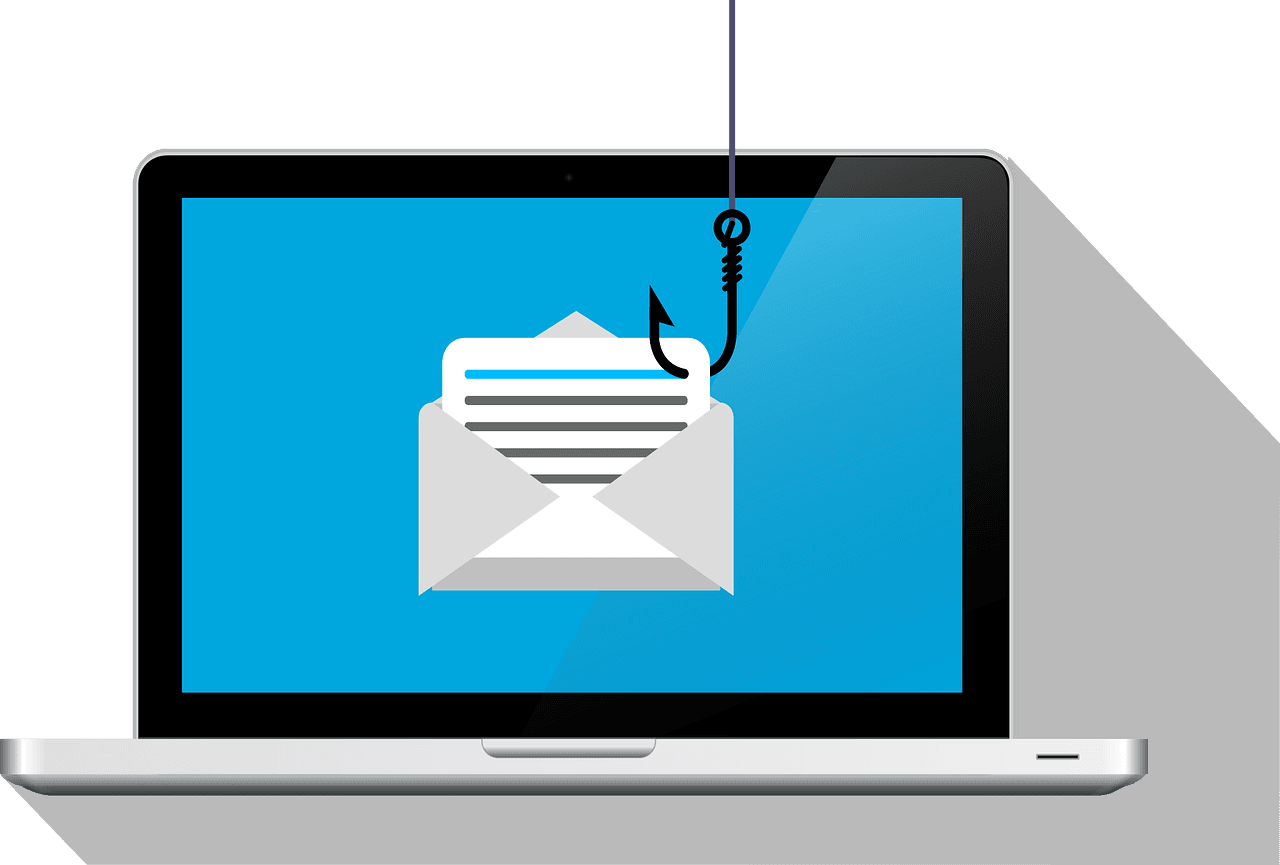
Cybercriminals target Gmail a lot because it’s very popular. It also integrates with many other Google services. As AI-powered hacking attacks become more common, it gets harder for people to distinguish between real and fake emails.
As 2025 approaches, it’s crucial for Gmail users to be aware of these new threats and take steps to keep their accounts safe. We’ll discuss the new threats that Gmail users face in 2025 and give tips on how to stay safe.
What Are the New Threats to Gmail in 2025?
Cyber threats are constantly evolving, and some of the most sophisticated attempts have been aimed at Gmail. One major concern is that Artificial Intelligence (AI) is being used to create scam emails that appear very real. The purpose of these emails is to mimic real ones, making them difficult to spot. AI is also being used to create deepfakes and viruses, which complicates security even further.
Gmail is deeply connected to other Google services. This means if someone gains access to a user’s Gmail account, they might be able to access all of their digital assets. These include Google Drive, Google Pay, and saved passwords. This makes it even more critical for people to secure their Gmail accounts.
When hackers use AI in phishing attacks, they can analyze how people communicate. This helps them write to create emails that look almost exactly like real ones. This level of sophistication has made phishing efforts much more likely to succeed. Now, almost half of all phishing attempts use AI technology.
Gmail continually updates its security, so users need to be adaptable to stay safe. We’ll delve into the specifics of these threats and explore how they work in the next part. Cyber threats are always changing, and Gmail users must stay vigilant to protect themselves. Next, we will explore what these threats mean for Gmail users and how they can impact both individuals and businesses.
What Do These Threats Mean for Gmail Users?
Gmail users are particularly concerned about phishing scams that utilize AI. AI is used in these attacks to analyze and mimic the communication styles of trusted sources, such as banks or Google. This makes it difficult for people to identify fake emails because they often appear real and personalized.
This is what deepfakes and malware do:
- Deepfakes and viruses created by AI are also becoming more prevalent.
- Deepfakes can be used to create fake audio or video messages that appear to come from people you know and trust (which complicates security more).
- AI-generated malware is designed to evade detection by regular security tools.
Effects on People and Businesses
Identity theft and financial fraud are two risks for individuals who use Gmail. But these threats have implications that extend beyond individual users. Businesses are also at risk. Compromised Gmail accounts can lead to data breaches and operational disruptions.
To stay safe, users need to be aware of these risks and take proactive steps to protect themselves. The impact of these threats on both individuals and businesses shows how important security is. Next, we will explore other dangers that Gmail users should be aware of.
What Are Some Other Dangers That Gmail Users Should Know About?
AI-powered hacking isn’t the only new threat that Gmail users should be aware of. More zero-day exploits are being used to attack users. They exploit previously unknown security vulnerabilities in Gmail. This allows them to bypass traditional security measures. Attackers can access accounts without permission before Google can address the issue.
Quantum computing is also a huge threat to current encryption methods. As quantum computing advances, it may become possible to break complex passwords and encryption keys. This could make it easier for hackers to access Gmail accounts. Users can implement strong passwords, enable two-factor authentication, and regularly check account settings for suspicious activity. Next, we will explore how to keep your Gmail account safe.
How Can I Keep My Gmail Account Safe?
There are tons of security threats out there for Gmail users. But there are still things you can do to stay safe. Several steps can be taken to protect your Gmail account from these threats:
Make Your Password Stronger
It is very important to use a strong, unique password. This means avoiding common patterns and ensuring the password is not used for more than one account. A password generator can help create strong passwords and keep them secure.
Turn on Two-Step Verification
Two-factor authentication is safer than a password. This is because it requires a second form of verification, like a code sent to your phone or a physical security key. Attackers will have a much harder time accessing your account.
Check Third-Party Access
It’s important to monitor which apps and services can access your Gmail account. As a safety measure, remove any access that is no longer needed.
Use the Advanced Protection Program in Gmail
Google’s Advanced Protection Program gives extra protection against scams and malware. It includes two-factor authentication and physical security keys. It also scrutinizes file downloads and app installations thoroughly. By following these steps, Gmail users can significantly reduce their risk of falling victim to these threats.
Keep Your Gmail Account Safe
As we’ve discussed, the threats to Gmail users are real and evolving. Users can protect themselves by staying informed and implementing robust security measures. Never give up and be prepared to address new challenges as they arise.
Staying up-to-date on the latest security practices and best practices is important to keep your Gmail account safe. In today’s cyber world, it’s crucial for both individuals and businesses to protect their digital assets. Don’t hesitate to reach out if you’re concerned about keeping your Gmail account safe or need more help avoiding these threats. You can count on our team to help you stay safe online as the world of hacking continues to evolve.
—
This Article has been Republished with Permission from The Technology Press.








Leave a reply