

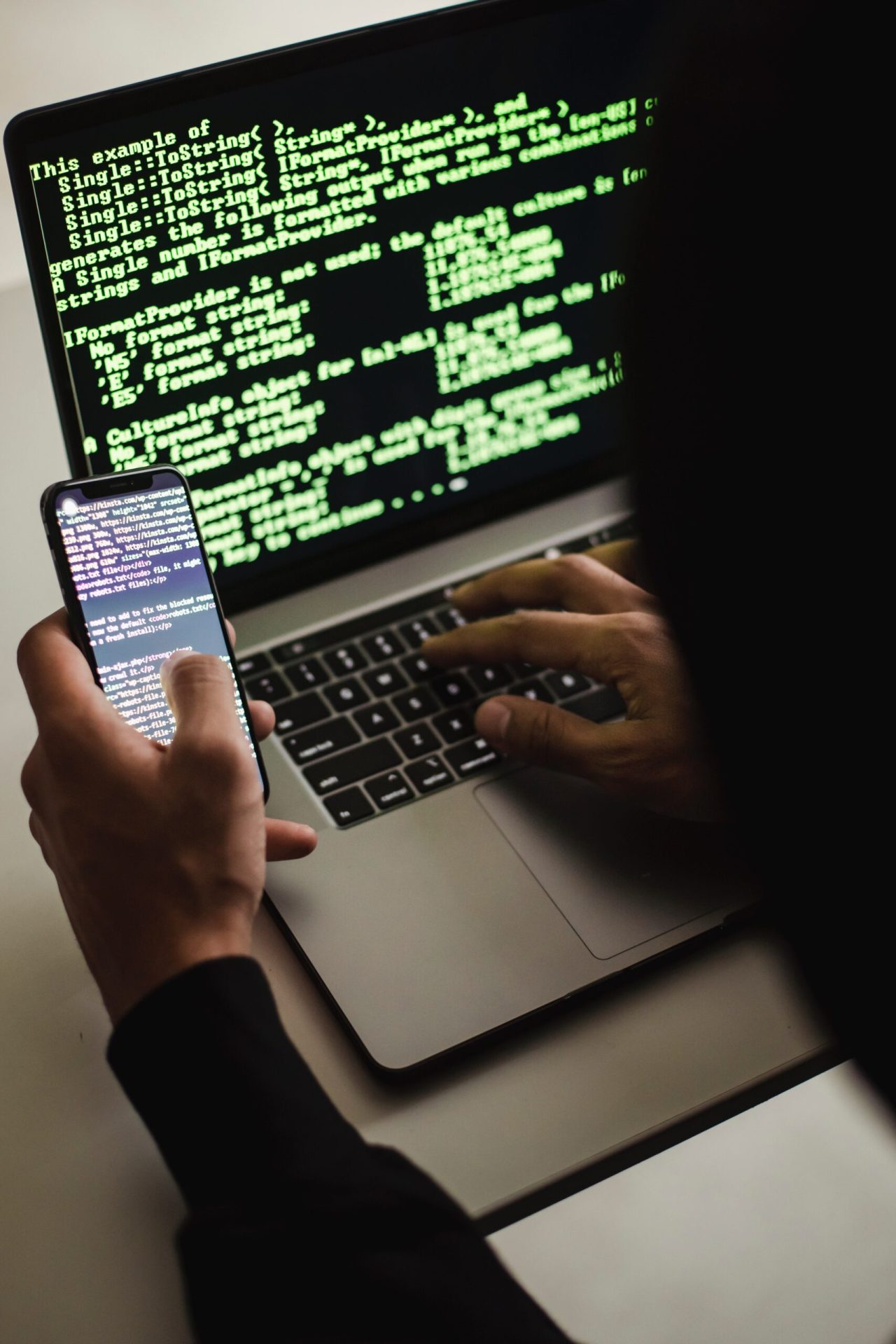
Cybersecurity researchers uncovered an alarming mobile statistic. During the first few months of 2022, mobile malware attacks surged by 500%. This is alarming both in scale and because many people aren’t yet protecting smartphones.
For years, mobile phones have become more powerful. They now do many of the same functions as a computer – just with a much smaller screen. Yet, people tend to secure their computers better than they do their smartphones.
This is a behavior that needs to change. Over 60% of digital fraud now occurs through mobile devices. That makes them highly risky if proper safeguards aren’t followed.
Many of these are the same types of protections you have on your computer. It’s time to start thinking about your smartphone as a mini-computer and keeping it just as secure.
Tips to Improve the Security of Your Smartphone
Use Mobile Anti-malware
Yes, your mobile phone needs antivirus/anti-malware too! Malware can and does infect smartphones and tablets. You need to ensure you have a reliable mobile anti-malware app installed.
And beware of those freebies. Freebies are great when you’re talking about food, but not security apps. Malware is often hidden inside free apps. These apps are ironically supposed to make you more secure.
Don’t Download Apps from Unknown Sources
Only download mobile apps from trusted sources. Do not download outside a main app store. Trusted app stores include places like:
- Apple App Store
- Google Play
- The Microsoft Store
- Amazon Appstore
You also should research the app developer online. Make sure they have a good reputation. Once you download a dangerous app to your phone, it can infect it with malware. That malware can remain behind even if you delete the app later.
Don’t Assume Email is Safe
Many people prefer checking email on their phone rather than PC because it’s so handy. But they have a false sense of security about the safety of emails when viewed on a mobile device.
You can’t assume an email is safe just because you’re not on your computer. Be just as wary about unexpected emails and scam emails masquerading as legitimate.
It’s difficult to hover over a link without clicking when on a smartphone. If you see something questionable and want to check the link, open the email on your PC where you can do that.
Beware of SMS Phishing (aka “Smishing”)
In March of 2022, text spam outpaced robocalls. Unwanted text messages rose by 30%, ten percent higher than robocalls. Many of those spam texts are smishing.
Smishing is the text version of phishing. These texts usually contain malicious links. A hacker can potentially breach your device if you click them. The message may also ask you to text back personal information.
Be on the lookout for text messages that don’t quite make sense. For example, getting a shipping notification when you haven’t ordered anything. Also, beware of texts from unknown sources.
Phishing via text message is a growing concern. It’s also one that most people aren’t aware of yet, so they often get caught in its trap.
Remove Old Apps You No Longer User
Approximately 2.6 million apps haven’t had an update in a year or more. Apps are often abandoned by the developer. This can leave security vulnerabilities on your device. Hackers seek out these types of vulnerabilities to exploit. If they aren’t addressed, then they remain a danger.
Go through your device and remove old applications that you are no longer using. There is no reason to keep them around, potentially leaving your device at risk.
Additionally, look at the time of the last update. If it’s over a year, then you may want to consider replacing that app with something more current. App updates often include security-related items. It’s not good when a year or more goes by without the developer making any type of update to the app.
Keep Your Device Updated
Speaking of updates, you also need to keep your device’s operating system updated. Are you using the current version of Android or iOS? Not installing updates can mean your phone has vulnerabilities. These vulnerabilities allow hackers to breach your data.
Automate updates as possible. If you have a company with several devices, then it’s a good idea to include your phones on a managed IT services plan.
Use a VPN When on Public Wi-Fi
Public Wi-Fi is dangerous. Most people understand that, but many connect to it out of necessity anyhow. You may worry about going over your data plan allotment. Or your mobile carrier reception may be slow. Both cases are reasons people opt to connect to unsecured public hot spots.
You can connect to public Wi-fi with less risk if you use a VPN application. VPNs stand between your device and the internet. They route your data through a secure server. This keeps it away from prying eyes that may be lurking on that public Wi-Fi.
Mobile Security Solutions to Prevent a Data Breach
Don’t wait until your phone is infected with malware to secure it properly. We can help you with automated solutions that protect your device, accounts, and data. Contact us to schedule a consultation.
This Article has been Republished with Permission from The Technology Press.






Leave a reply