

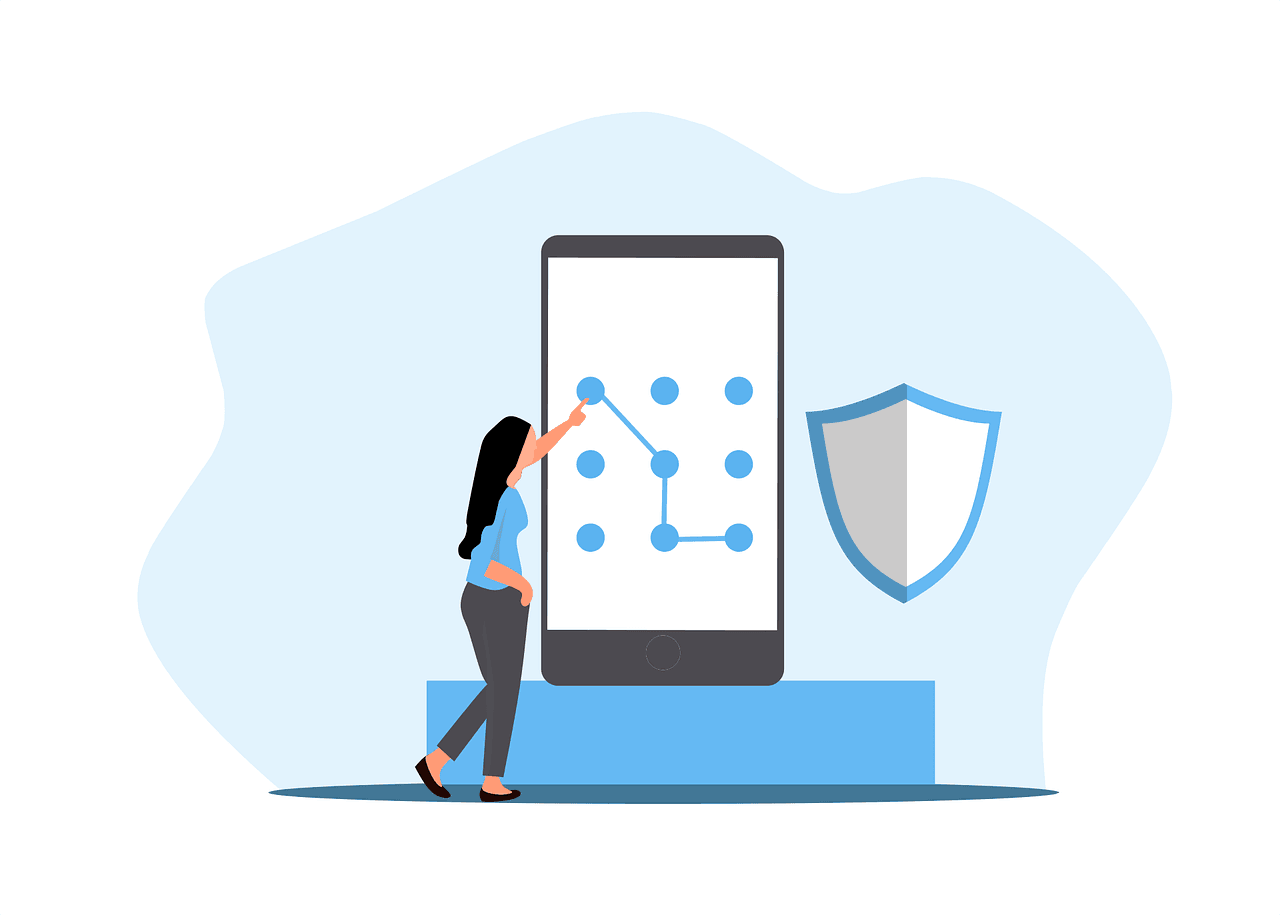
Cyber risks are smarter than ever in today’s digital world. People and companies can lose money, have their data stolen, or have their identities stolen if they use weak passwords or old authentication methods. A strong password is the first thing that will protect you from hackers, but it’s not the only thing that will do the job.
This guide talks about the basics of strong passwords, two-factor authentication, and the safest ways to keep your accounts safe. We’ll also talk about new verification methods and mistakes you should never make.
Why Are Strong Passwords Essential?
Your password is like a digital key that lets you into your personal and work accounts. Hackers use methods like brute-force attacks, phishing, and credential stuffing to get into accounts with weak passwords. If someone gets your password, they might be able to get in without your permission, steal your info, or even commit fraud.
Most people make the mistake of using passwords that are easy to figure out, like “123456” or “password.” Most of the time, these are the first options hackers try. Reusing passwords is another risk. If you use the same password for more than one account, one breach can let hackers into all of them.
Today’s security standards say that passwords should have a mix of numbers, capital and small letters, and special characters. But complexity isn’t enough on its own. Length is also important—experts say at least 12 characters is best. Password tools can help you make unique, complicated passwords and safely store them. They make it easier to remember multiple passwords and lower the chance that someone will use the same one twice. We’ll talk about how multi-factor authentication adds another level of security in the next section.
How Does Multi-Factor Authentication Enhance Security?
Multi-factor authentication (MFA) requires users to provide two or more verification methods before accessing an account. This significantly reduces the risk of unauthorized access, even if a password is compromised.
Types of Authentication Factors
- Something You Know – Passwords, PINs, or security questions.
- Something You Have – A smartphone, hardware token, or security key.
- Something You Are – Biometric verification like fingerprints or facial recognition.
Common MFA Methods
- SMS-Based Codes – A one-time code sent via text. While convenient, SIM-swapping attacks make this method less secure.
- Authenticator Apps – Apps like Google Authenticator generate time-sensitive codes without relying on SMS.
- Hardware Tokens – Physical devices like YubiKey provide phishing-resistant authentication.
Despite its effectiveness, MFA adoption remains low due to perceived inconvenience. However, the trade-off between security and usability is minimal compared to the risks of account takeover. Next, we’ll look at emerging trends in authentication technology.
What Are the Latest Trends in Authentication?
Traditional passwords are gradually being replaced by more secure and user-friendly alternatives. Passwordless authentication is gaining traction, using biometrics or cryptographic keys instead of memorized secrets.
Biometric authentication, such as fingerprint and facial recognition, offers convenience but isn’t foolproof—biometric data can be spoofed or stolen. Behavioral biometrics, which analyze typing patterns or mouse movements, provide an additional layer of security.
Another innovation is FIDO (Fast Identity Online) standards, which enable passwordless logins via hardware security keys or device-based authentication. Major tech companies like Apple, Google, and Microsoft are adopting FIDO to phase out passwords entirely.
While these technologies improve security, user education remains critical. Many breaches occur due to human error, such as falling for phishing scams. In the final section, we’ll cover best practices for maintaining secure credentials.
How Can You Maintain Strong Authentication Practices?
Regularly updating passwords and enabling MFA are foundational steps, but proactive monitoring is equally important. Here’s how to stay ahead of threats:
- Monitor for Data Breaches – Services like Have I Been Pwned notify users if their credentials appear in leaked databases.
- Avoid Phishing Scams – Never enter credentials on suspicious links or emails pretending to be from trusted sources.
- Use a Password Manager – These tools generate, store, and autofill complex passwords while encrypting them for safety.
Businesses should enforce password policies and conduct cybersecurity training. Individuals should treat their passwords like house keys—never leave them exposed or reuse them carelessly.
What Are the Most Common Password Mistakes to Avoid?
Even with the best intentions, many people unknowingly undermine their own cybersecurity with poor password habits. Understanding these pitfalls is the first step toward creating a more secure digital presence.
Using Easily Guessable Passwords
Many users still rely on simple, predictable passwords like “123456,” “password,” or “qwerty.” These are the first combinations hackers attempt in brute-force attacks. Even slight variations, such as “Password123,” offer little protection. A strong password should never contain dictionary words, sequential numbers, or personal information like birthdays or pet names.
Reusing Passwords Across Multiple Accounts
One of the most dangerous habits is recycling the same password for different accounts. If a hacker gains access to one account, they can easily compromise others. Studies show that over 60% of people reuse passwords, making credential-stuffing attacks highly effective.
Ignoring Two-Factor Authentication (2FA)
While not strictly a password mistake, failing to enable 2FA leaves accounts unnecessarily vulnerable. Even a strong password can be compromised, but 2FA acts as a critical backup defense. Many users skip this step due to perceived inconvenience, not realizing how much risk they’re accepting.
Writing Down Passwords or Storing Them Insecurely
Jotting down passwords on sticky notes or in unencrypted files defeats the purpose of strong credentials. If these physical or digital notes are lost or stolen, attackers gain instant access. A password manager is a far safer alternative, as it encrypts and organizes login details securely.
Never Updating Passwords
Some users keep the same password for years, even after a known data breach. Regularly updating passwords—especially for sensitive accounts like email or banking—reduces the window of opportunity for attackers. Experts recommend changing critical passwords every 3-6 months.
Ready to Strengthen Your Digital Security?
Cybersecurity is an ongoing effort, and staying informed is your best defense. Strong passwords and multi-factor authentication are just the beginning—emerging technologies like biometrics and passwordless logins are shaping the future of secure access. Whether you’re an individual or a business, adopting these practices can prevent costly breaches.
Contact us for personalized cybersecurity solutions tailored to your needs.
—
This Article has been Republished with Permission from The Technology Press.








Leave a reply