

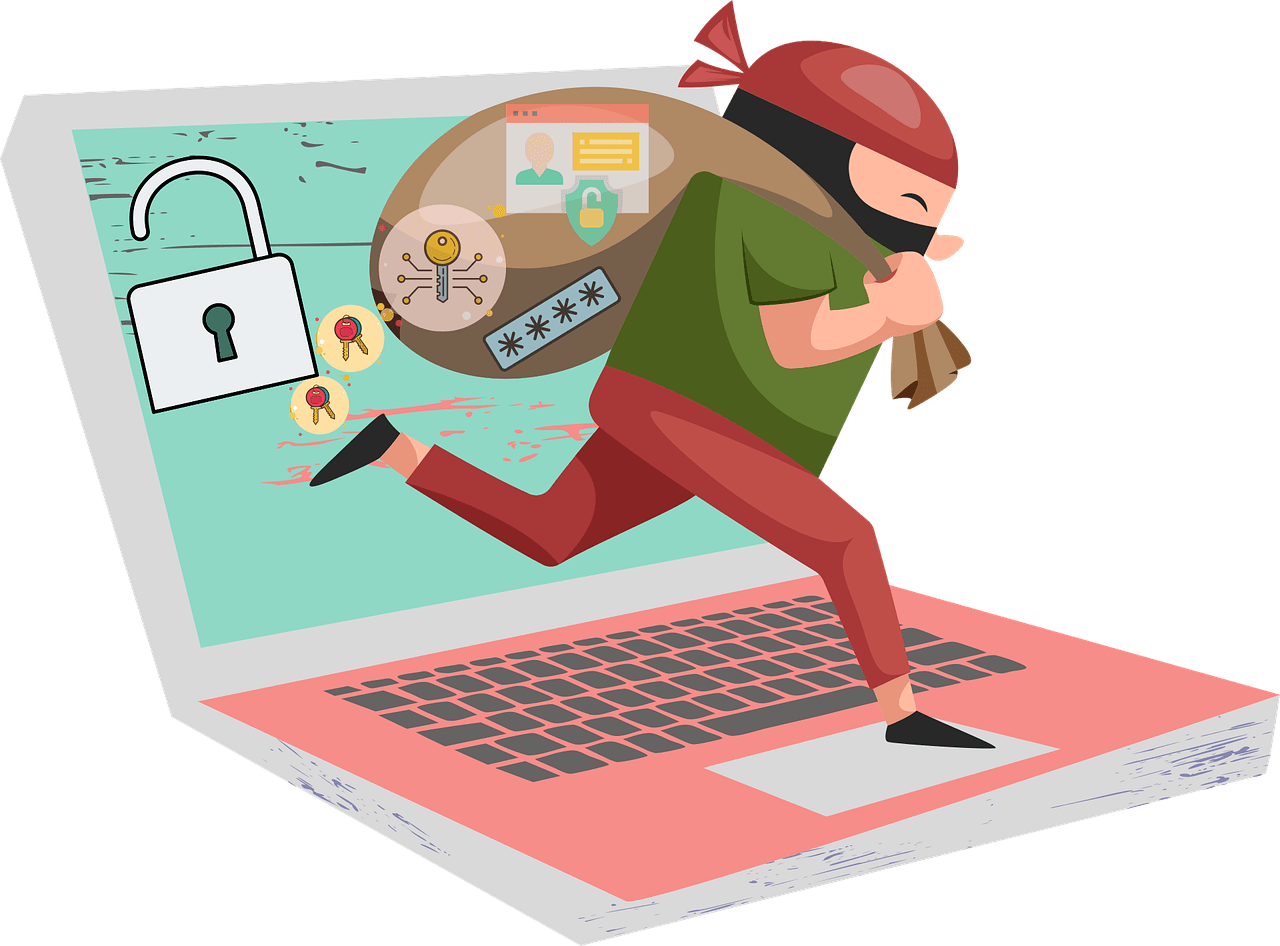
Traveling with technology has become a necessity. Whether for work, communication, or entertainment, we rely heavily on our devices. But traveling exposes these gadgets to various risks. Theft, damage, and loss are common concerns.
We’ve put together some helpful tips to mitigate the risk of any tech mishaps on your next trip. Follow these eight best practices to ensure your devices remain safe when traveling.
1. Use Protective Cases
Invest in quality protective cases. They shield your gadgets from bumps, drops, and scratches. Look for cases that are sturdy and provide a snug fit. For laptops and tablets, consider hardshell cases. For smartphones, use cases that cover the edges and have raised bezels. This simple step can save you from costly repairs.
2. Leverage Tracking Apps
Install tracking apps on your devices. These apps help you locate your devices if they are lost or stolen. Many operating systems have built-in tracking features. Enable them before you travel. For example, use “Find My” for Apple devices or “Find My Device” for Android. These tools provide the location of your devices. They also offer remote locking and wiping capabilities.
3. Keep Devices Close
Always keep your devices within reach. Avoid placing them in checked luggage. Carry them in your personal bag. Use a backpack or a crossbody bag with secure compartments. If you need to leave your device unattended, store it in a hotel safe. The less exposure your gadgets have, the lower the risk of theft or damage.
4. Use Strong Passwords
Protect your devices with strong passwords. This includes smartphones, laptops, and tablets. Use a combination of letters, numbers, and special characters. Avoid using easily guessable information like birthdays or common words. Enable two-factor authentication for an added layer of security. Strong passwords help protect your data if your device falls into the wrong hands.
5. Be Cautious with Public Wi-Fi
Public Wi-Fi networks are convenient but risky. Avoid accessing sensitive information on public networks. If you must use public Wi-Fi, use a Virtual Private Network (VPN). A VPN encrypts your data, making it harder for hackers to intercept. Turn off automatic connections to public networks. Always verify the legitimacy of the Wi-Fi network before connecting.
6. Back Up Your Data
Regularly back up your data before you travel. Use cloud storage or external hard drives. This ensures that you don’t lose important information if your device is lost or stolen. Set up automatic backups to simplify the process. Backing up your data protects you from data loss. It also ensures continuity even if something goes wrong.
7. Be Mindful of Your Surroundings
Stay alert to your surroundings. Crowded places are hotspots for theft. Be particularly cautious in airports, train stations, and tourist attractions. Don’t leave your devices unattended. Keep a firm grip on your bag. When using your gadget in public, avoid displaying it for long periods. Awareness and vigilance go a long way in protecting your gadgets.
8. Use Anti-Theft Accessories
Invest in anti-theft accessories. These include items like locks and cables for laptops. Anti-theft backpacks have hidden zippers and cut-proof materials. They make it difficult for thieves to access your belongings. Consider using RFID-blocking wallets to protect against electronic pickpocketing. Anti-theft accessories provide extra security for your gadgets.
Extra Considerations
Besides the main tips, consider following the measures below. They can enhance the safety of your gadgets while traveling.
Insure Your Devices
Consider getting insurance for your gadgets. Many insurance companies offer policies that cover theft, loss, and damage. Check the coverage details and ensure it fits your needs. Insurance provides financial protection and peace of mind. This is especially true when traveling with expensive devices.
Customize Your Device Settings
Before you travel, adjust your device settings for added security. Enable remote wiping capabilities. This allows you to erase your data if a thief steals your device. Turn off Bluetooth and location services when not in use. This reduces the risk of unauthorized access and tracking.
Keep a Record of Your Devices
Document the make, model, and serial numbers of your gadgets. Keep this information in a secure place. If you have your device lost or stolen, these details are useful for reporting and recovery. They also help when filing insurance claims.
Be Prepared for Customs Inspections
Be aware that customs officials may inspect your gadgets. Have them easily accessible in your carry-on luggage. Be ready to turn them on if requested. Ensure your devices are fully charged before you travel. Compliance with customs inspections prevents unnecessary delays and complications.
Practical Scenarios
Let’s look at some practical scenarios where you can apply these tips.
Scenario 1: Airport Security
At airport security, remove your laptop from your bag. Place it in a separate bin for screening. Keep a close eye on your belongings as they pass through the X-ray machine. After screening, quickly retrieve and secure your devices before moving on.
Scenario 2: Hotel Room
In your hotel room, store your gadgets in the room safe when not in use. If there is no safe, use a portable lockbox. Avoid leaving your devices out in the open, especially when housekeeping is scheduled. This minimizes the risk of theft.
Scenario 3: Public Transport
On public transport, keep your gadgets close and secure. Use a bag with anti-theft features. Avoid using your devices near exits where they can be easily snatched. Be discreet when taking out your gadgets and put them away securely after use.
Contact Us for Help Securing Your Devices
Technology is indispensable for modern travelers. Protecting your devices requires proactive measures and vigilance. Would you like some help beyond these tips?
Contact us today to schedule a chat about beefing up your device security.
—
This Article has been Republished with Permission from The Technology Press.







Leave a reply