Skip to content
  • IT Support & Services
    • Managed IT Support
    • Ad-hoc IT Support & Consultancy
    • Microsoft Access Database Development
    • Managed WiFi Networks
  • Cyber Security
    • About Cyber Security
    • Free Cyber Security Tools
    • Cyber Essentials Certification
    • Backup & Disaster Recovery
    • Bitdefender GravityZone Business Security
    • Cyber Security Awareness Training
    • Password Management
  • Microsoft 365
    • Microsoft 365 Support & Management in Kent
    • Microsoft 365 Business Premium
    • Microsoft 365 Backup
    • Microsoft 365 Email Security
    • Microsoft 365 Management
    • Email Signature Management
    • Email Encryption & E-Signatures
  • Contact / About
    • Contact Us
    • About Us
    • Book a phone or Teams call with us
    • Partnerships
    • Blog
    • Legal Information
  • Client Area
    • Remote Support
    • Microsoft 365 Guides
    • Password Management
    • Cyber Security Training
    • Email & Data Migrations
    • Legal Information

Call us on 01304 728287

Book a free IT chat
Magic IT ServicesMagic IT Services
  • IT Support & Services
    • Managed IT Support
    • Ad-hoc IT Support & Consultancy
    • Microsoft Access Database Development
    • Managed WiFi Networks
  • Cyber Security
    • About Cyber Security
    • Free Cyber Security Tools
    • Cyber Essentials Certification
    • Backup & Disaster Recovery
    • Bitdefender GravityZone Business Security
    • Cyber Security Awareness Training
    • Password Management
  • Microsoft 365
    • Microsoft 365 Support & Management in Kent
    • Microsoft 365 Business Premium
    • Microsoft 365 Backup
    • Microsoft 365 Email Security
    • Microsoft 365 Management
    • Email Signature Management
    • Email Encryption & E-Signatures
  • Contact / About
    • Contact Us
    • About Us
    • Book a phone or Teams call with us
    • Partnerships
    • Blog
    • Legal Information
  • Client Area
    • Remote Support
    • Microsoft 365 Guides
    • Password Management
    • Cyber Security Training
    • Email & Data Migrations
    • Legal Information

5 Common Cyber Threats in 2025 (and How To Avoid Them)

Home Cybersecurity5 Common Cyber Threats in 2025 (and How To Avoid Them)
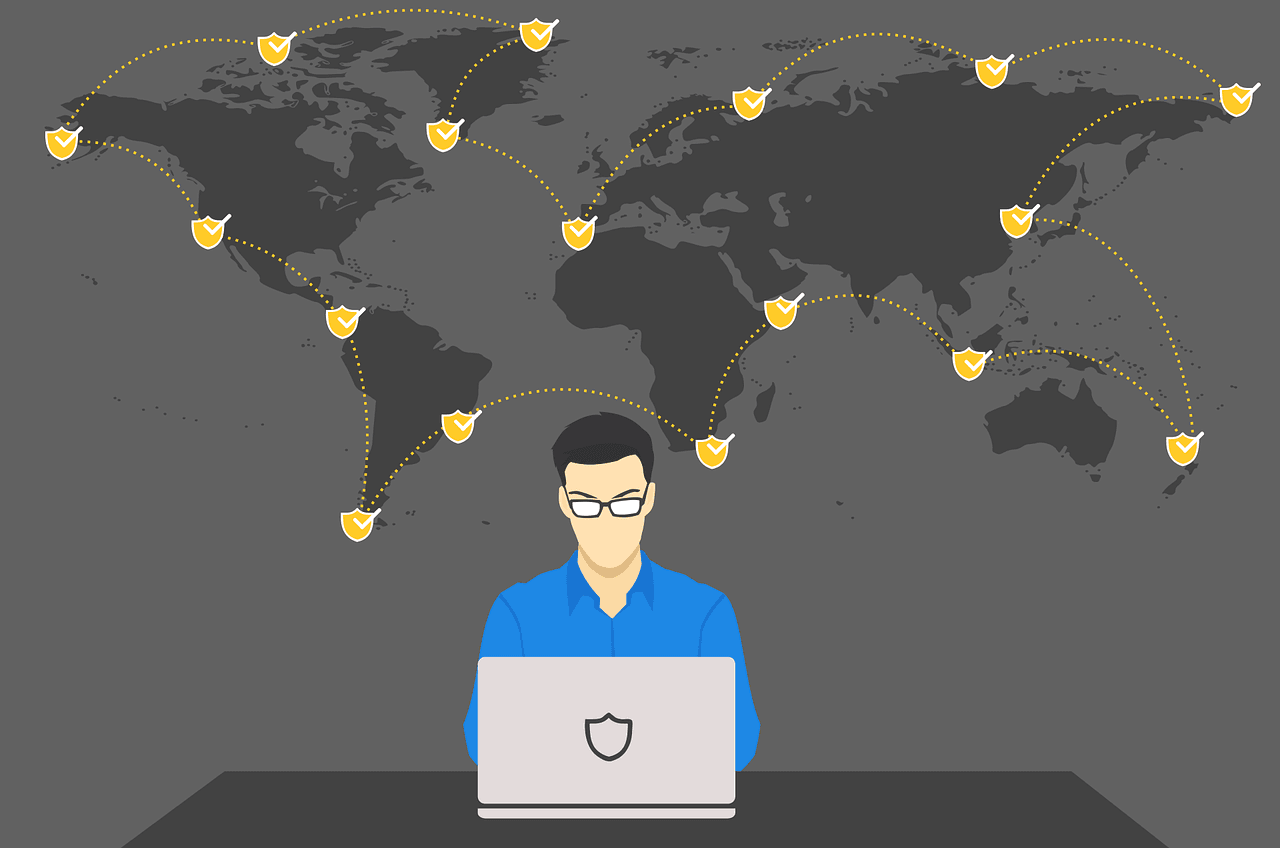
Download free HD stock image of Security Department Safe

5 Common Cyber Threats in 2025 (and How To Avoid Them)

25th February 2025 Cybersecurity No comments

In 2025, cyber threats are in almost every nook and corner. They might be with the intent to destroy computers, steal data, or take money. Understanding what they are and how protection against them works will come in handy.

What Are the Most Common Cyber Threats?

They come in so many forms, some old, some new, and very tricky. Here are some of the most common ones you should know about.

Phishing Attacks

Phishing attacks will always be in vogue. They make you give away your personal data. It may involve a phony message or fake websites. Always check the sender’s email address. Do not click on suspicious links.

Ransomware

Ransomware locks your files and demands money to unlock them. It can spread through email attachments or unsafe downloads. Keep your software updated and back up your files regularly.

Malware

Malware is bad software that may cause damage to your computer. It can steal data or spy on you. Use antivirus software and avoid downloading files from unknown sources.

How Can You Protect Yourself Online?

Safety online is important. Here are some simple steps to take to protect yourself from cyber threats.

Use Strong Passwords

Use strong and unique passwords for each account. A strong password includes letters, numbers, and symbols. Change your password regularly.

Enable Two-Factor Authentication

Two-factor authentication is an added layer of security. When it is in place, one has to take an extra step to log in-for example, getting a code on one’s phone. Whenever possible, turn that on.

Be Careful with Public Wi-Fi

Public Wi-Fi is not secure. It is easy for hackers to hack into the data of people who use public networks. Always connect your VPN when using any public Wi-Fi network.

Why is Cybersecurity Important for Everyone?

Cybersecurity doesn’t only apply to big corporations. Everyone should be knowledgeable about cyber threats and their prevention techniques.

Protect Personal Information

Your personal information is worth something. Cybercriminals can use it for identity theft or fraud. Be careful about what you share online.

Secure Financial Transactions

Online banking and shopping are convenient but risky if not done securely. Use secure websites and monitor your accounts regularly for any suspicious activity.

What Should You Do If You Are a Victim of a Cyber Attack?

Sometimes, despite all precautions, you may still become the victim of a cyber attack. Knowing your next step is paramount.

Report the Incident

An immediate report of the cyber attack should be made to the authorities. This could help in investigations and reduce damage.

Change Your Passwords

Immediately change all your passwords if you suspect a breach. This prevents further unauthorized access to your accounts.

How Will Cyber Threats Evolve in the Future?

Cyber threats will continually change with emerging technologies. It’s recommended to stay up-to-date on new threats for better protection.

AI-Powered Attacks

Cybercriminals will leverage artificial intelligence for more sophisticated attacks. AI supports them in selecting the right victims.

Internet of Things (IoT) Vulnerabilities

There are more and more devices connecting via the internet. They start to become the main targets of hackers. Make sure that all devices have updated security measures on them.

Stay Safe Online: Contact Us for More Tips!

Cyber threats are real and growing every day. In this digital age, it is very important to protect yourself online.

For more tips on staying safe online, contact us today! We are here to help you keep your digital life secure.

—

Featured Image Credit

This Article has been Republished with Permission from The Technology Press.

No comments
0

You also might be interested in

Free Security Cyber illustration and picture

7 Smart Ways to Secure Your Wireless Printer & Keep Your Home Network Safe

Jun 10, 2023

Many people worry about someone hacking their computer. But they’re[...]

Free hacker computer programming vector

Gamers Beware! Hackers are Targeting You.

Feb 20, 2024

Gamers haven’t really been the focus of cybersecurity for a[...]

Microsoft Office 2019 will only be supported on Windows 10

Microsoft Office 2019 will only be supported on Windows 10

Feb 1, 2018

UPDATE (as of 6th September 2018): In a change of[...]

Leave a reply Cancel reply

This site is protected by reCAPTCHA and the Google Privacy Policy and Terms of Service apply.

The reCAPTCHA verification period has expired. Please reload the page.

Latest Posts

How Hackers Keep Access to Your Email After You Change the Password

5th November 2026

Summary: Changing the password blocks someone from signing...

How Long Business Computers Last and When to Replace Them

30th October 2026

Summary: Three to five years is a practical replacement...

Small Business IT Budget: What to Include and How to Plan It

25th October 2026

Summary: Your IT budget should include the technology you...

Why Guest Wi-Fi Should Be Separate From Your Business Network

20th October 2026

Summary: Guest Wi-Fi should provide internet access while...

What Happens to Your Data When You Cancel a Cloud Service?

15th October 2026

Summary: Before canceling a cloud service, export your data...

IT Support in Kent
Managed IT Support, Managed Services, Microsoft 365, Cyber Security & Microsoft Access Development in Kent
  • Magic IT Services Ltd, 14 Hazling Dane, Shepherdswell, Dover, Kent CT15 7LS
  • 01304 728287 or 01843 586647
  • hello@magicitservices.co.uk

Magic IT Services Ltd is a company registered in England and Wales, No: 07014535.

Registered Office: 14 Hazling Dane, Shepherdswell, Dover, Kent CT15 7LS. VAT Reg No: GB 979 7435 46

© 2026 Magic IT Services Ltd.

  • Home
  • About Us
  • Privacy Policy
  • Terms of Use
  • Cookie Policy
  • Sitemap
  • Legal Information
Prev Next

Press Enter to search · Esc to close

imunify-bot-check