So, you are probably thinking to yourself “why would I need an additional service to backup my Microsoft 365 Mailbox? Surely it is in the cloud, so it must be safe, right?“


So, you are probably thinking to yourself “why would I need an additional service to backup my Microsoft 365 Mailbox? Surely it is in the cloud, so it must be safe, right?“
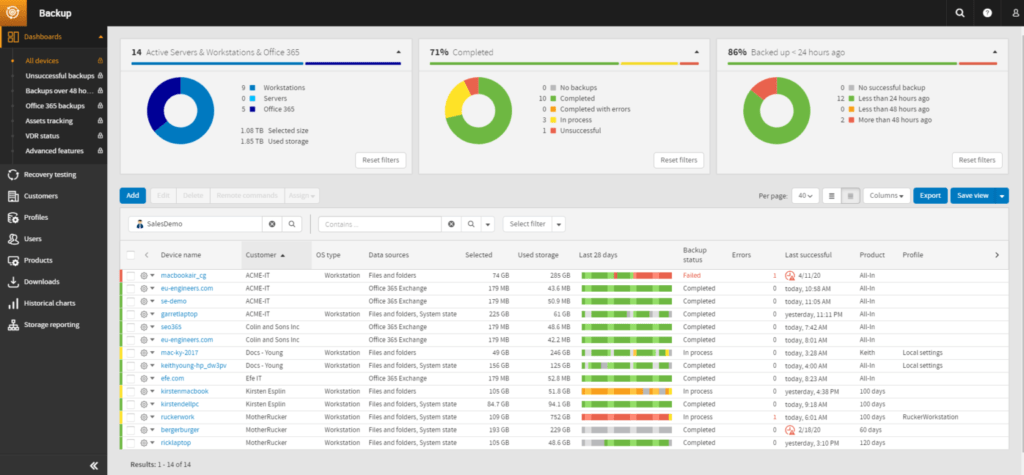
Well, let’s look at a few reasons why you really ought to consider this type of backup:
Relying on Microsoft’s native backup capabilities in Office 365 is a risky strategy – IDC Analyst
Once mail items are deleted or changed in Office 365, they stay that way. For example:
While O365 is fast becoming the center of business productivity, a backup and recovery strategy is an afterthought. Relying on Microsoft’s native backup capabilities and infrastructure-level uptime features is a risky strategy because regardless of where the data is, it is the company’s responsibility,” said Archana Venkatraman, research manager, IDC European Datacenter. “Without an enterprise-grade backup strategy for O365, enterprises are exposing themselves to risks such as ransomware, accidental loss of data, lack of data control, compliance exposures, and threats to business continuity.
Hopefully you can now see that you need something to backup your Microsoft 365 mailbox and data, but what does our solution offer you?
To resolve this issue you will need to undelete the mailbox via the Microsoft 365 Admin portal and provide a license to the mailbox. After the backup is completed for the mailbox, you can then delete the mailbox and remove the license. We cannot backup deleted mailboxes, even if they have a license assigned.
If you are using a custom document library (DL) within SharePoint and the below applies, files may be inaccessible and will not be backup:
To ensure all files are backed up when using a custom document library you must ensure:
© 2026 Magic IT Services Ltd.