

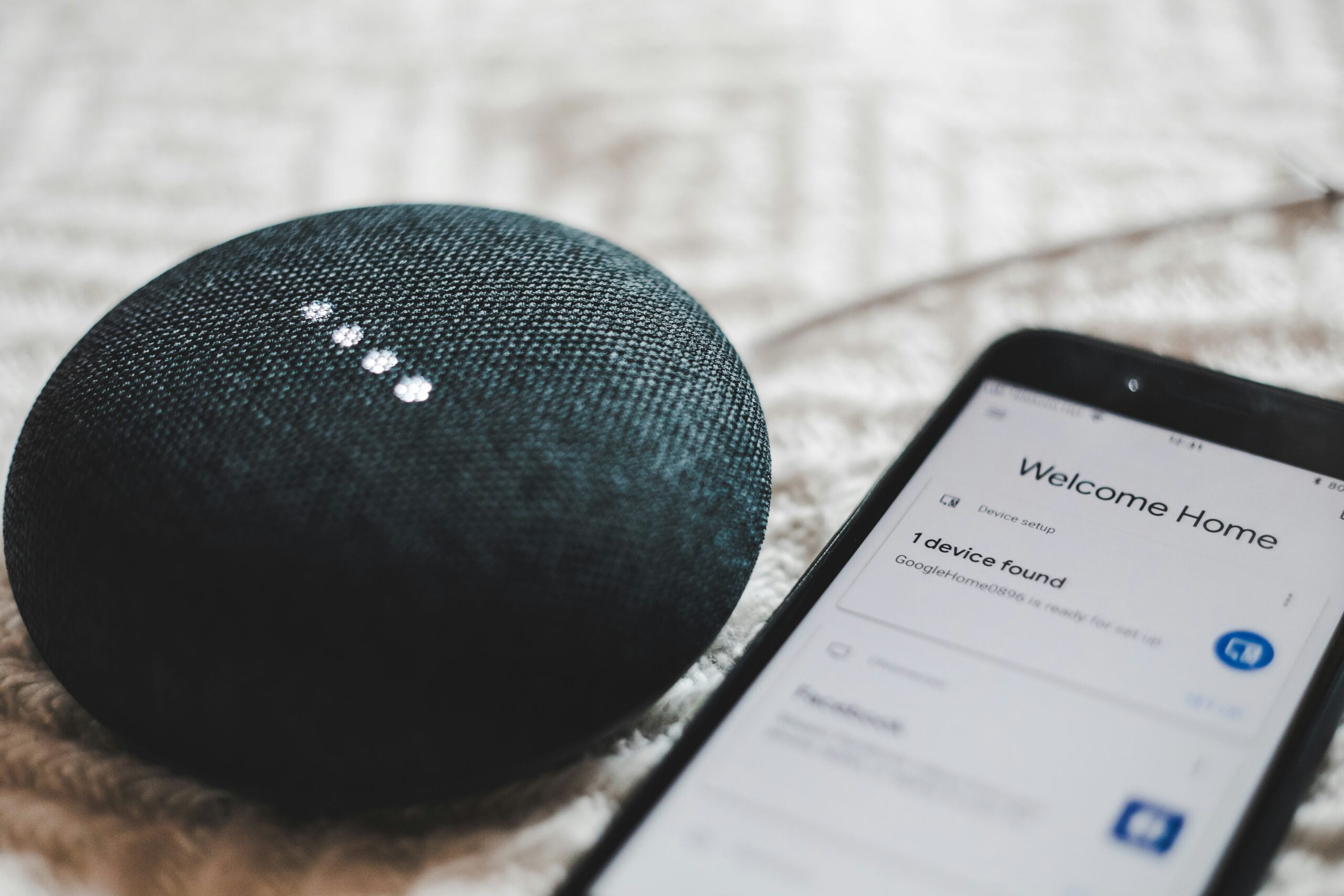
Smart homes seem like something straight out of a sci-fi movie. They have lights that respond to your voice commands and thermostats that auto-adjust. Not to mention robot vacuums that clean your floors while you relax.
It’s all very tempting. But before you rush out and buy the newest gadget, there are some crucial considerations. Here are 7 essential things to ask yourself before diving headfirst into new smart home tech.
1. Does it Solve a Real Problem?
Not all smart home devices are created equal. Some offer genuine solutions to everyday problems. Others might be more novelty than necessity. Think critically about your daily routine. Identify tasks that you could streamline with smart technology.
For instance, do you constantly forget to turn off the lights when you leave a room? Then, smart bulbs with motion sensors could be a game-changer. But a smart toaster might not be the most practical addition to your kitchen. Especially if your mornings are already a hectic rush.
2. Is It Compatible with Other Devices?
The world of smart home devices can be a bit like a high school cafeteria. Not all device brands play well together. Many smart devices rely on a central hub or app to function. So, ensure the gadget you choose is compatible with the ones you already have or plan to buy.
Mixing and matching brands can lead to a frustrating user experience. Devices may refuse to communicate or need several apps to manage. Researching compatibility beforehand will save you a lot of headaches.
PS: Help is on the way in the future. A new Matter standard aims to address cross-brand compatibility.
3. Is Your Wi-Fi Up to the Challenge?
Smart homes are like data-hungry beasts. They rely heavily on a strong and stable Wi-Fi connection to function properly. Is your internet slow, unreliable, or have limited bandwidth? If so, your smart home dreams might quickly turn into a frustrating nightmare.
Just a few of the potential problems you might face with a weak Wi-Fi connection are:
- Smart lights flickering on and off
- Thermostats refusing to adjust
- Voice assistants lagging behind your commands
Before investing in smart devices, consider upgrading your Wi-Fi router or internet plan. This helps ensure it can handle the increased data traffic.
4. Privacy Concerns Deserve Attention
Smart home devices collect data on your habits and routines. From the times you turn on the lights to the temperature you prefer in your home. These gadgets are constantly gathering information. Some companies may use this data to personalize your experience. But others might sell it to third-party vendors (usually advertisers).
Before bringing a smart device into your home, take time to read the device’s privacy policy. What data does it collect? How is it used? Do you have any control over how your data is shared? Does the privacy policy raise red flags? Then, it might be best to look for a different device with stronger data protection practices.
5. Security Matters: Protect Your Smart Home
Unfortunately, the convenience of smart homes comes with an increased security risk. These devices connect to your Wi-Fi network. This means they can become vulnerable to hacking attempts. Hackers could potentially gain access to your home’s controls. As well as adjust settings or even steal sensitive data.
To mitigate these risks, choose devices with strong security features such as encryption and two-factor authentication. Additionally, keep your devices updated with the latest software patches. This is crucial to address any known security vulnerabilities. Consider creating a separate “guest” Wi-Fi network for your smart home devices. This isolates them from your personal computers and other data-rich devices. The isolation gives you an extra layer of security.
6. Future-Proofing Your Smart Home
Technology evolves at a rapid pace. What’s cutting-edge today might be obsolete tomorrow. Before investing in a smart home device, consider the manufacturer’s reputation. You should look for details on software updates and long-term device support. Will the company continue to provide security patches and updates in the years to come?
If a device lacks a history of consistent software updates, it might be wise to look elsewhere. This helps to ensure your smart home doesn’t become outdated quickly.
7. Start Small and Scale Up Gradually
Don’t get carried away and try to automate your entire home overnight. Smart home technology can be a significant investment. It’s wise to take things slow. Start with a few key devices that address specific needs or pain points in your daily routine.
For example, consider starting with smart lights or a smart thermostat. These help you experience the benefits of smart home technology but before diving into a full-blown home automation setup. This measured approach allows you to assess the usefulness of smart home devices. As well as identify any issues before committing to a larger investment.
Carefully consider these 7 essential questions before buying smart home devices. They’ll help ensure that your foray into the world of home automation is a success.
Need an Expert to Help with Smart Home Setup & Security?
Those “DIY” smart home setups are not always as easy (or secure) as they may sound. If you need help from a friendly technology expert, give us a call. We can help you craft a smart home that’s connected, secure, and truly helpful.
Contact us today to schedule a chat.
—
This Article has been Republished with Permission from The Technology Press.







Leave a reply